

MFA
Required MFA (Multi-Factor Authentication) for all users in a workspace. This enhances workspace security for users and logins.
MFA (Multi-Factor Authentication) can be enabled for your workspace. Enabling MFA will immediately require MFA for all workspace collaborators. They will be logged out and prompted to set up MFA at their next login.
To activate MFA, go to Workspace Settings → Security, then toggle MFA on.
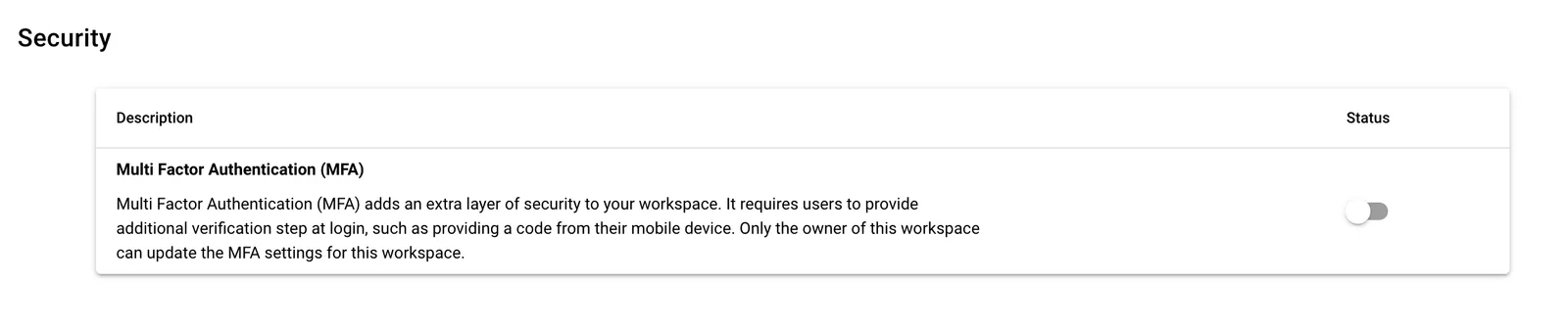
MFA (Multi-Factor Authentication) in Stacksync Workspace settings.