

Changelog
New updates and improvements
October 2026
Deploy EOS apps without signing in
A prototype running locally still needs a home before anyone can try it. Account creation and workspace setup interrupt that first deployment, before a developer or business team can see whether the application solves their problem.
Go straight from source code to a live app. The EOS CLI now deploys an application and can create a PostgreSQL database without requiring login. EOS creates a guest workspace automatically and saves a private credential on the device so you can continue managing your resources.
Guest apps are public. Unclaimed workspaces and their resources expire 14 days after creation. Sign in before that deadline to keep your work and invite colleagues. The CLI automatically claims the guest workspace for your account, whether you create a new account or use an existing one. AI inference, keys, File Storage, accessories, and collaboration require an account; inviting users also requires claiming the workspace.
Start with the quick start, or learn how to manage and claim a guest workspace.
File Storage for EOS applications
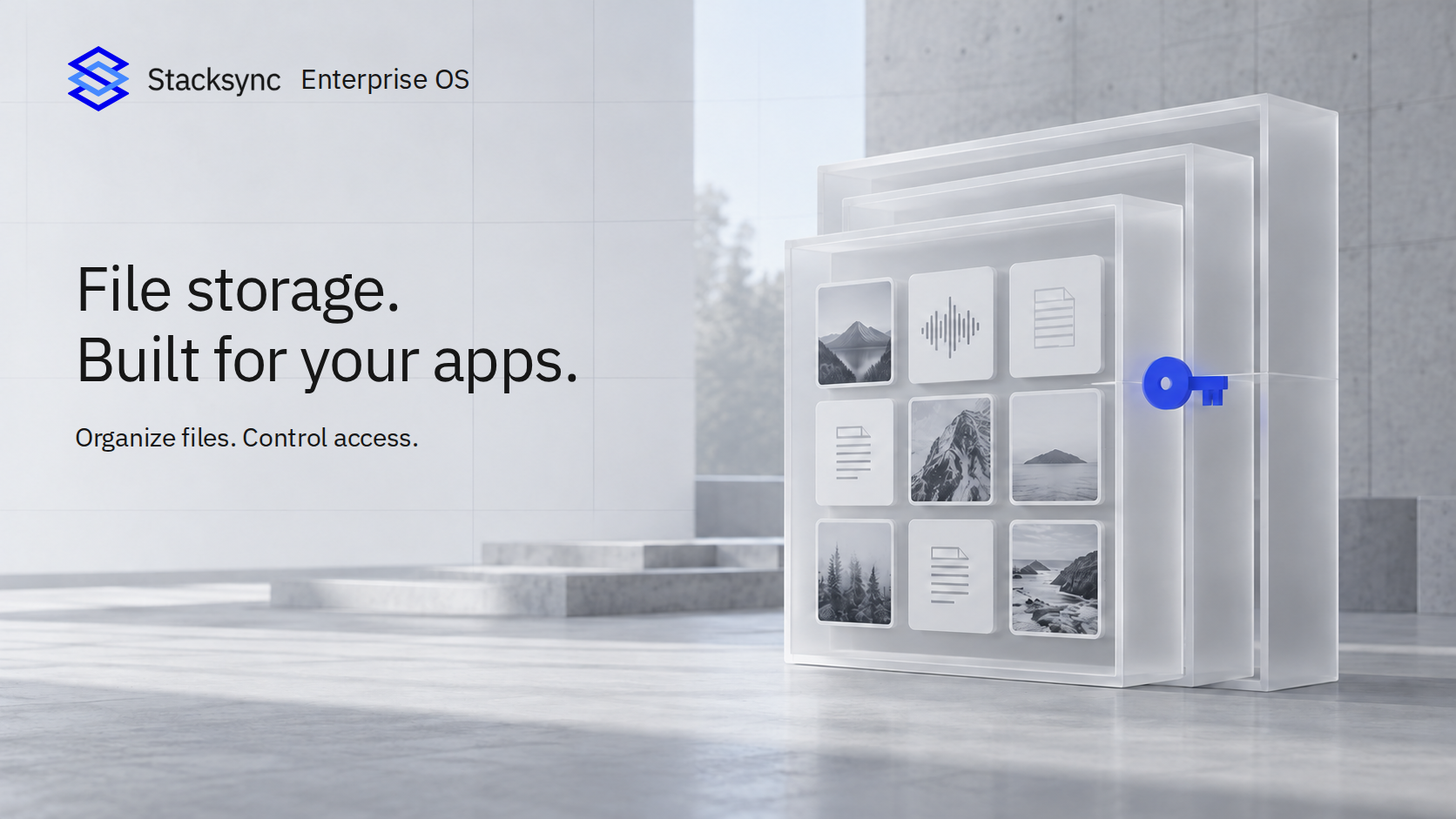
A useful image or audio processing prototype can quickly outgrow files stored on a developer's laptop or an application's local disk. Before colleagues can use it, the team needs somewhere durable to keep uploads and results, a way to browse them, and controls over who can read or change them. Setting up a separate storage service adds infrastructure and permissions work before the application can deliver value.
Give file-heavy applications a managed home for their data. EOS Storage provides private buckets for the images, audio, documents, and generated files your applications work with. It is a natural fit for image processing tools, audio transcription workflows, and other applications that need to retain source files and processed results.
Create buckets in the US or EU, upload and organize files, and explore their contents directly in EOS. Preview supported file types in the dashboard and share bucket access with the users and groups who need it. Applications connect through scoped API keys with read, write, list, and delete permissions, so each integration gets the access it needs.
Teams can keep originals and outputs in shared storage instead of managing a separate file service for each new tool. The EOS CLI also supports bucket and file management, making storage part of the same workflow developers and AI agents use to deploy applications.
Explore Storage, file management, and application API access.
Managed authentication on EOS applications
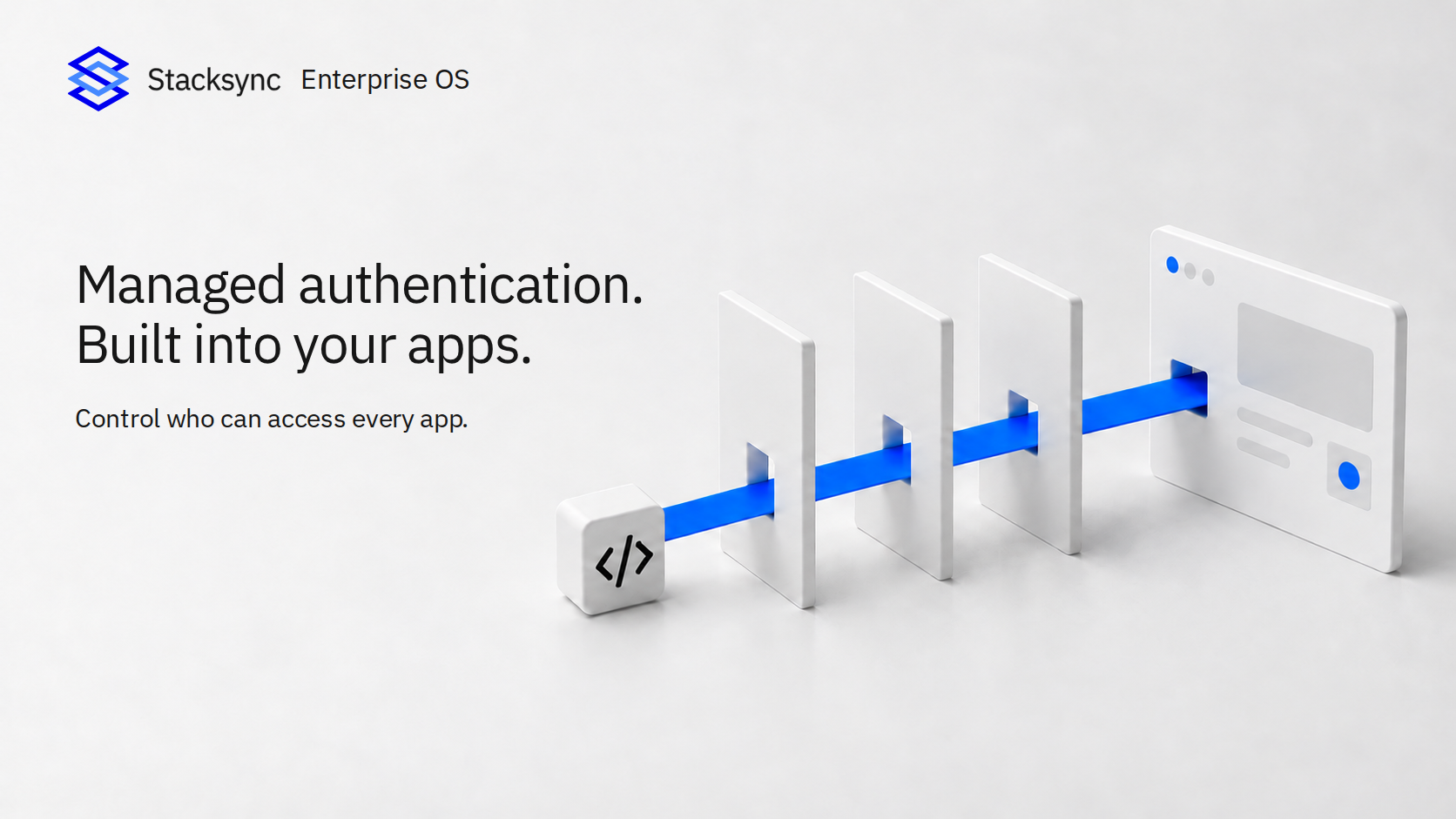
An internal tool may be ready to solve a business problem while still lacking the access controls needed to share it safely. Building sign-in, managing sessions, and checking every backend endpoint takes additional work; protecting the interface alone can leave APIs exposed. Repeating that work for each new tool slows deployment and creates opportunities for inconsistent protection.
Deploy internal tools without building authentication into every application. Stacksync EOS enforces your application's access policy at the backend access layer, before a request reaches the application. The same check covers every endpoint served through its Stacksync app URL, including backend APIs, so protection does not depend on adding a sign-in check to each page or API handler.
Choose who can use an app: specific users and groups, all workspace members, or a public audience. New applications in account workspaces default to workspace access. Guest applications are public. Configure the policy in Users and Access or automate it through the management API; use the EOS CLI to manage user and group access grants. Public access without authentication remains an explicit policy choice.
Teams can turn prototypes into shared business tools with a consistent authentication layer, while IT retains control over who can access them. These controls support the access-control requirements of a SOC 2 compliance program; application-specific permissions, security testing, and the wider compliance program remain essential.
Learn more about managed authentication and CLI access management.
Quick start page for Stacksync Enterprise OS (EOS)
AI coding tools make it easier to build a prototype, but getting it onto a URL colleagues can use still means choosing hosting, setting up a build and deployment workflow, provisioning resources, and connecting credentials. That gap can leave a useful idea running only on its creator's machine. Business teams need a clear path from describing an improvement to trying a deployed application with real users.
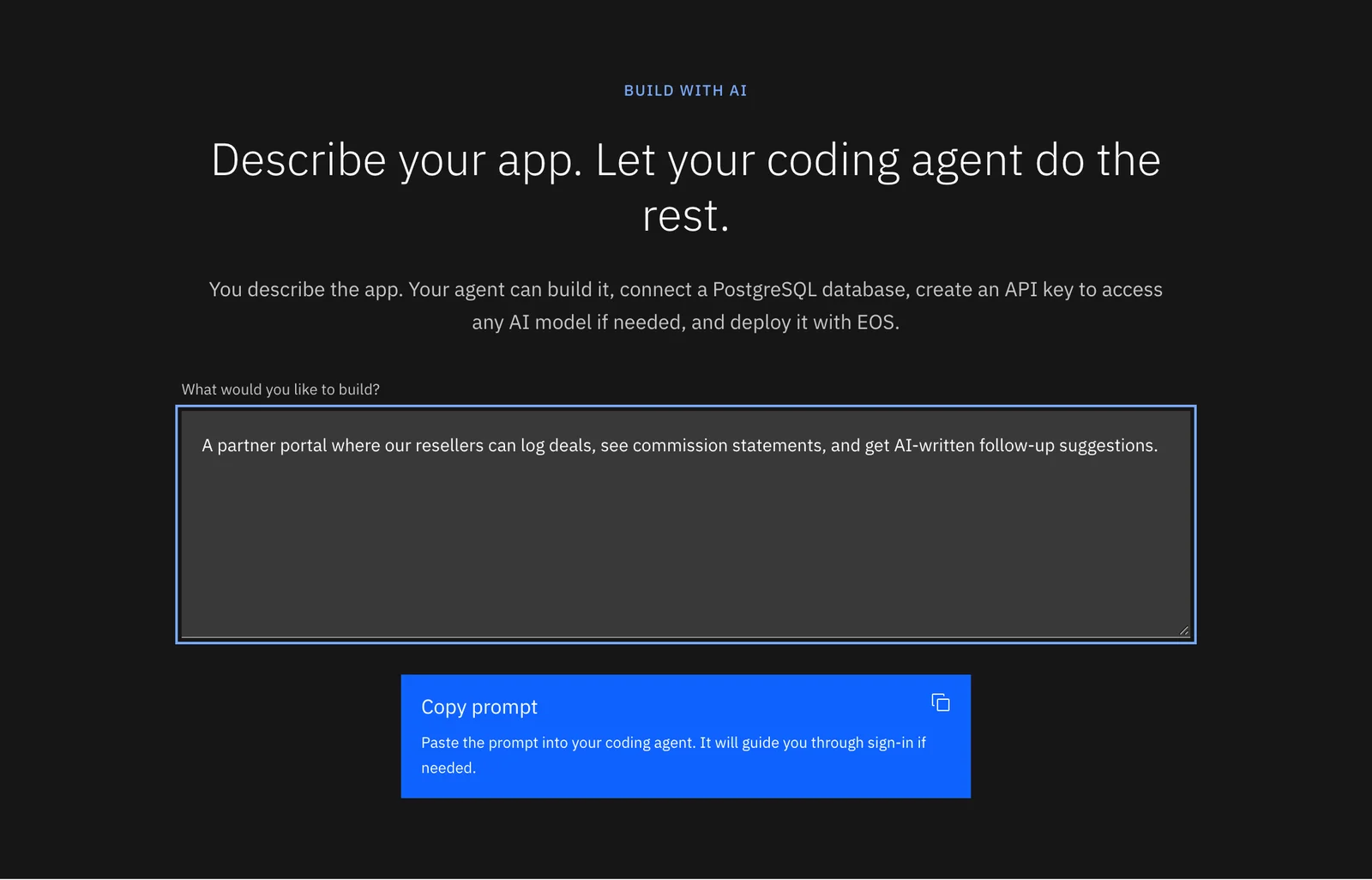
The new Quick start page in EOS gets you from an idea to a live app with a single prompt. Describe your app, select Copy prompt and paste it into any coding agent, such as Claude Code, Codex or Kilo Code. The agent builds the app, connects a PostgreSQL database, creates an AI inference API key if needed, and deploys it. Prefer the terminal? The page also lists the four commands to deploy an app yourself. See Quick start.
Passwordless login for Stacksync Enterprise OS (EOS)
Trying a new platform often starts with another password to create, store, and eventually reset. That friction can delay a colleague's first visit or interrupt someone returning to continue their work. A simpler sign-in flow helps teams get into EOS and start building, deploying, or managing applications with less account administration.
You can now sign in to Stacksync Enterprise OS without a password. Enter your email address, select Send sign-in code, and use the code sent to your inbox to open your workspace. New users can create an account the same way.
February 2026
Amazon Seller Central
Connect your Amazon Seller Central account to sync orders, inventory, and product data directly to your database with full OAuth support.
TikTok Shop
Sync your TikTok Shop e-commerce data, including orders, products, and fulfillment details to your database.
AI Copilot Chatbot
An in-app AI assistant is now available to help you configure syncs, troubleshoot issues, and navigate the platform, complete with conversation history and a resizable panel.
Issues Management Dashboard
View and resolve sync issues in bulk with filtering, sync direction support, and resolution tracking from a centralized dashboard.
Edit Sync Logs
View the full edit history for your syncs to track who changed what and when.
Schema Change Auto-Propagation
When your external app schema changes, Stacksync can now automatically propagate those changes to your database with user-configurable controls and email notifications.
cURL Command Generation
Automatically generate cURL commands for webhook-triggered workflows, making it easy to test and integrate from external systems.
Shopify Discount Application Schema
Sync Shopify discount application data including allocation methods and discount codes to your database.
App Icons in Resource Table
Quickly identify connected apps at a glance with visual app icons throughout the resource table.
Sync Configuration Enhancements
The sync setup form has been redesigned with an improved edit modal, better delete tracking options, and a smoother configuration experience.
HubDB Object Support
Improved schema generation and field name handling for HubDB objects, delivering more reliable syncs.
SuiteAnalytics Incremental Column Detection
SuiteAnalytics syncs now automatically detect new columns added to your saved searches.
SQL Server Table and Column Management
Manage SQL Server tables and columns directly from the Stacksync UI.
Airtable 10x Faster Batch Reads
Airtable reads are now up to 10 times faster thanks to increased API call batching per sync cycle.
January 2026
Microsoft Teams
Connect Microsoft Teams to use in workflows for sending messages, managing channels, and automating team notifications.
TikTok Shop Connector (Early Access)
Initial support for TikTok Shop is now available, with schema definition and connection configuration.
Orderful
Sync EDI and supply chain data from Orderful, enabling seamless B2B transaction visibility in your database.
Shopify OAuth with Refresh Tokens
Shopify connections now use refresh tokens, eliminating the need to manually reauthorize when access tokens expire.
SQL Server CDC Agent Health Monitoring
SQL Server Change Data Capture connections now monitor the SQL Server Agent health, alerting you if the agent stops running.
Schema Change Detection Enhancements
Improved reliability and coverage of automatic schema change detection across all connected apps.
Concurrent App Schema Generation
Setting up new syncs is now faster with parallelized schema generation across connected apps.
Dynamic Schema Setup for MySQL and Postgres
MySQL and Postgres source connections now support dynamic schema setup, automatically adapting to your database structure.
December 2025
SSO Finalization
Single Sign-On is now fully available with support for Azure AD and Okta, including SCIM provisioning and auto-propagation across workspaces.
Schema Change Notification Emails
Receive email notifications when Stacksync detects schema changes in your connected apps, so you can review and approve propagation.
Connection Security Enhancements
Improved handling of SSL certificates and SSH tunnel configurations for enterprise database connections.
Composite Key Support
Syncs now support composite primary keys across all database destinations, enabling accurate sync of tables with multi-column keys.
HubSpot Incremental Associations
HubSpot associations (e.g., deal-to-contact, company-to-contact) now sync incrementally instead of full reads, dramatically reducing sync times.
API Proxy Management
Create and manage API proxies with full credential schemas and connection-based routing from the Stacksync dashboard.
Salesforce Read Optimization
Salesforce sync reads are now faster with optimized query construction and pagination.
NetSuite/SuiteAnalytics Incremental Read Optimization
Incremental reads for NetSuite and SuiteAnalytics are now more efficient with improved query batching.