

Storage API access
Connect applications to private buckets with scoped credentials and simple file operations.
A bucket API key lets a backend upload, list, read, or delete files without using a person's EOS management token. The key selects its bucket, so the application does not send a bucket ID with each file request.
Create a key with the right permissions
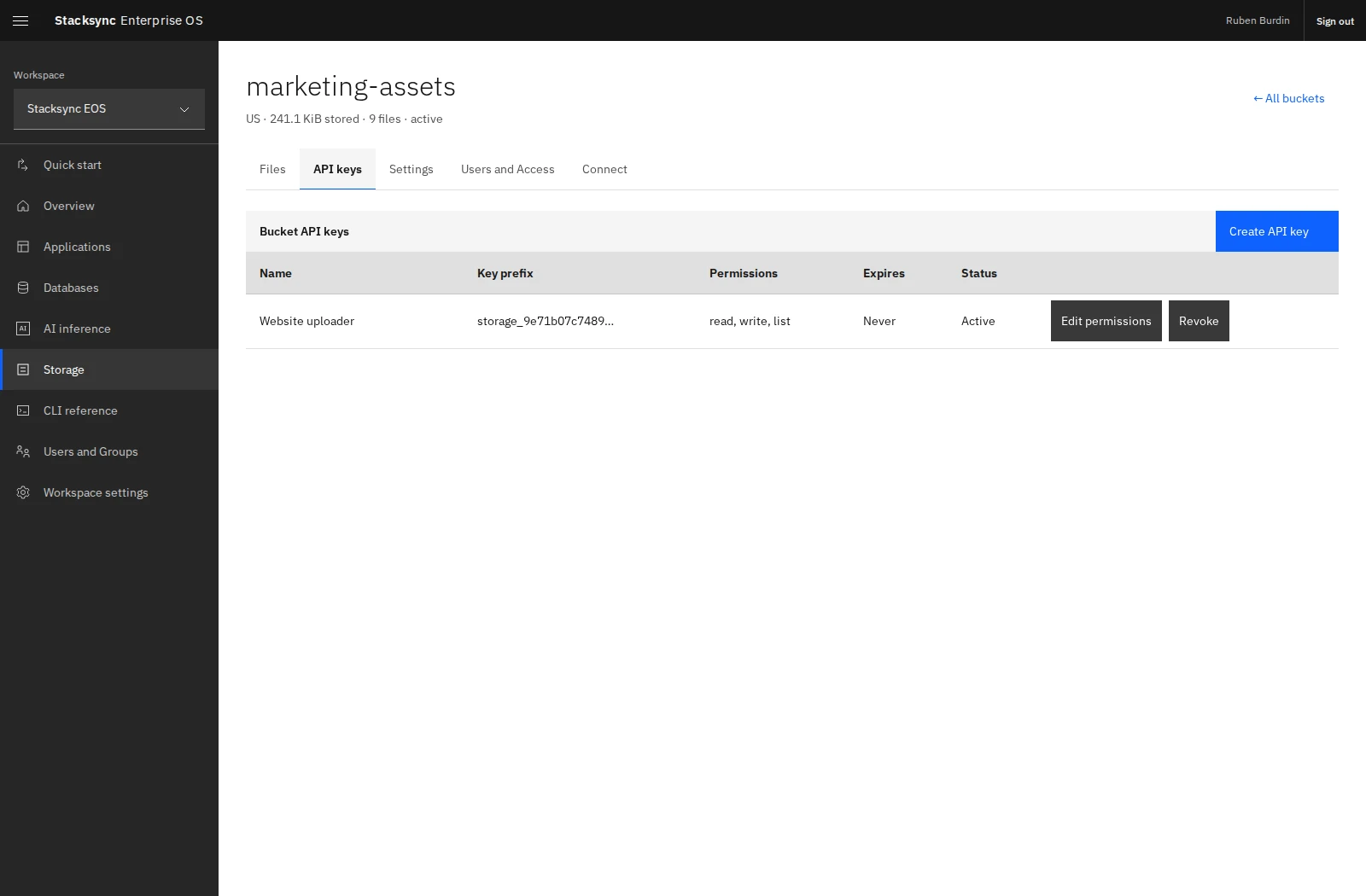
Open Storage → your bucket → API keys → Create API key. Give the key a descriptive name, choose its scopes, and set an expiry if needed. Store the complete value when it is shown; it is only available once.
| Scope | Allows |
|---|---|
read | Download file contents. |
write | Upload new files. |
list | List objects and browse paths. |
delete | Delete stored objects. |
For an uploader that does not need to delete existing documents, use read,write,list:
eos storage keys create BUCKET_ID 'Portal backend' --scopes read,write,listManagement commands require EOS sign-in and the selected workspace. File commands use the separately supplied STORAGE_API_KEY. Sharing the bucket with another user does not reveal existing key values.
Connect the application
Open the bucket's Connect tab for API and CLI examples.
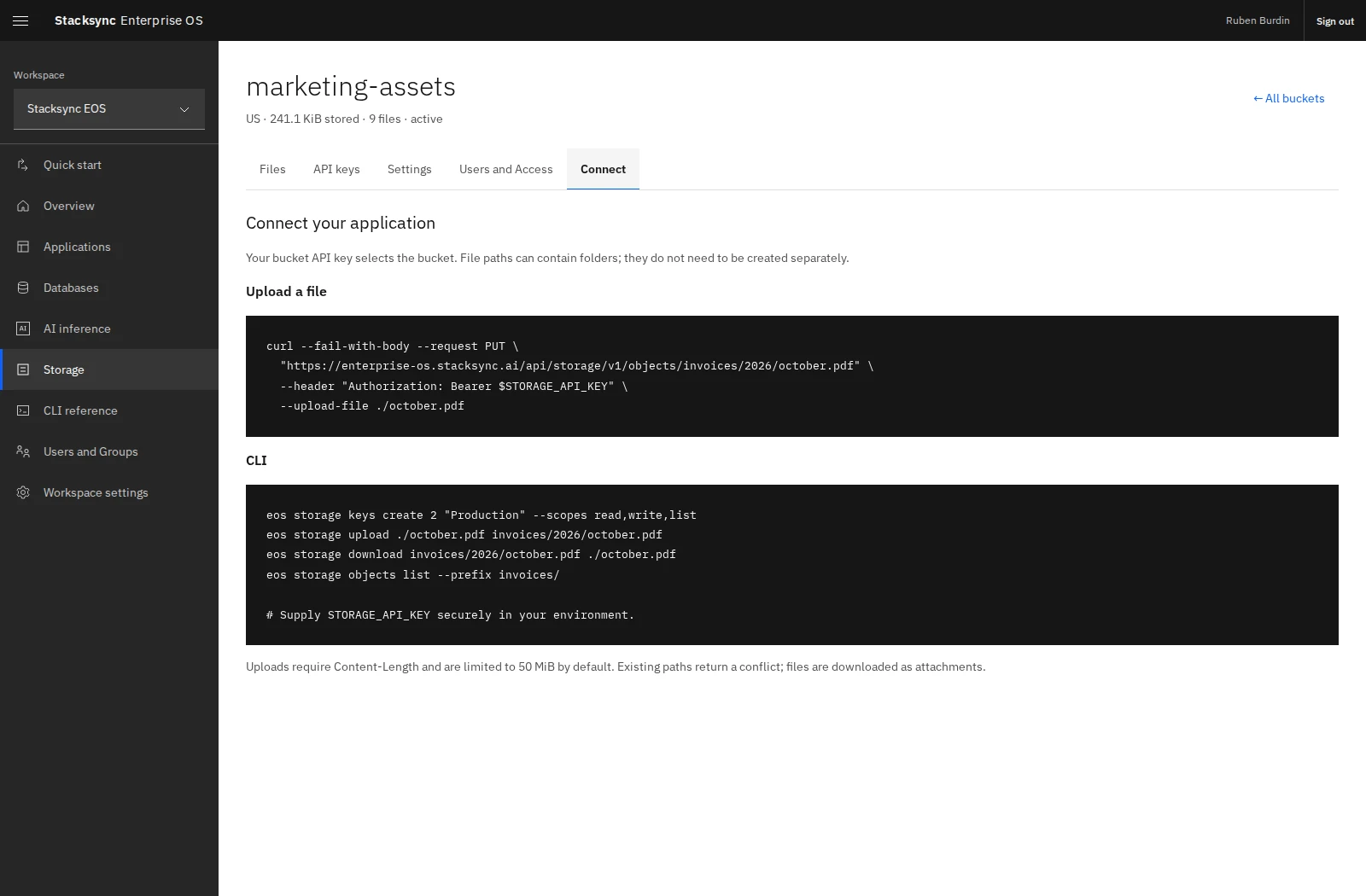
The storage API base path is:
https://enterprise-os.stacksync.ai/api/storage/v1Upload a file with its destination object path and the key in the Authorization header:
curl --fail-with-body --request PUT 'https://enterprise-os.stacksync.ai/api/storage/v1/objects/invoices/2026/october.pdf' --header "Authorization: Bearer $STORAGE_API_KEY" --upload-file ./october.pdfRequests need a Content-Length, and the default maximum upload is 50 MiB. Existing object paths return a conflict rather than being overwritten. Keep the key server-side and have your application's own backend enforce which files its end users may access.
Rotate or reduce access
Use Edit permissions to update a key's scopes, or Revoke to stop its use. For a replacement key, configure and verify the new key in the application before revoking the old one.
eos storage keys update BUCKET_ID KEY_ID --scopes read,list
eos storage keys revoke BUCKET_ID KEY_ID
The management permission to administer a bucket and the application's key scopes are independent. Removing a teammate's sharing grant is not a substitute for revoking an application key that they already possess.
Inspect interrupted uploads
eos storage uploads list BUCKET_ID
eos storage uploads cancel BUCKET_ID UPLOAD_ID
Use returned IDs, inspect pending uploads before retrying, and cancel only the upload you intend to abandon. For repeatable upload workflows, the CLI also accepts --idempotency-key KEY on eos storage upload.