

Database Query
Execute a query in any database/data warehouse when some data events occur (e.g. a record is updated).
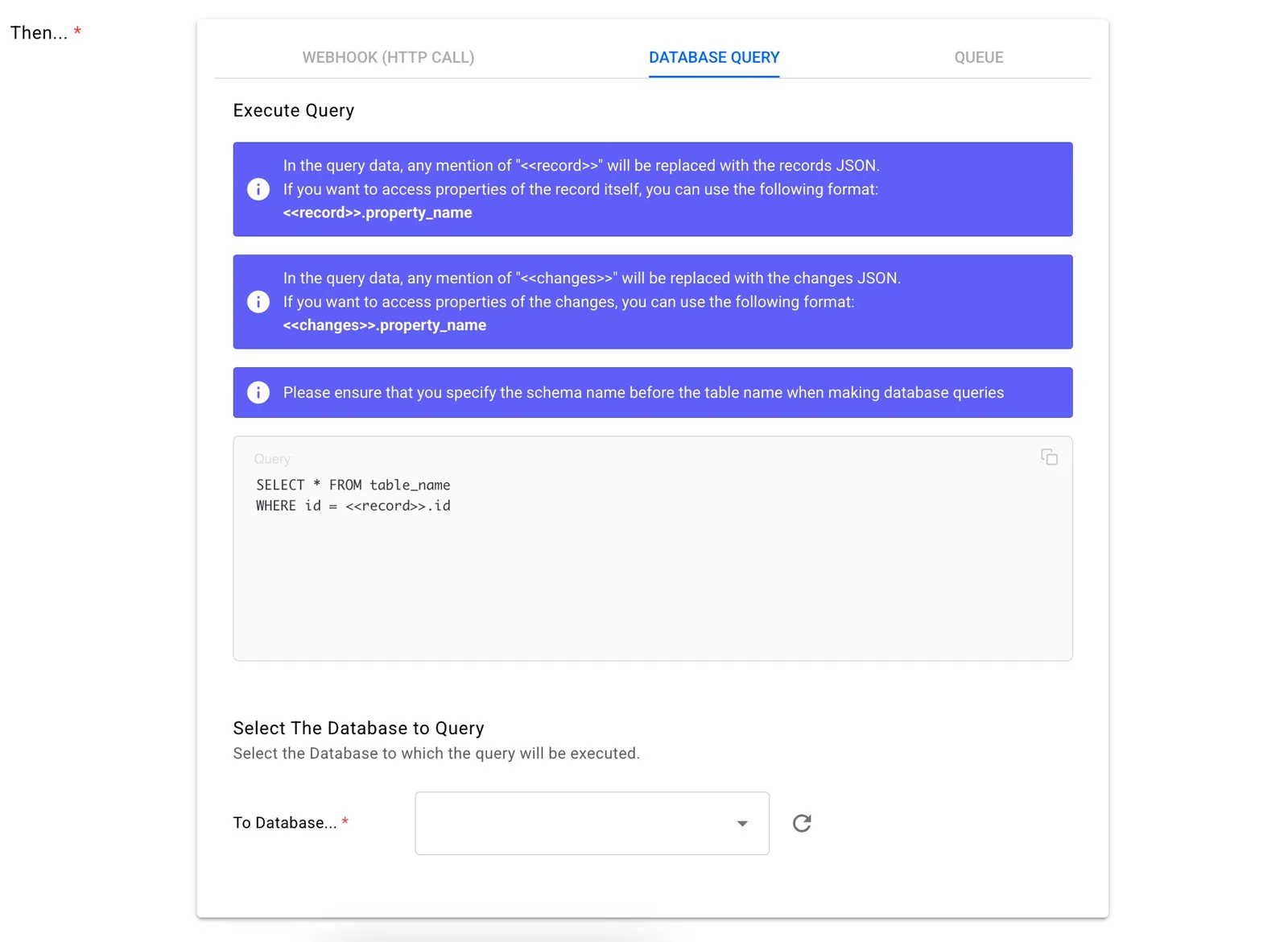
This field will work as a query maker for your database. It should follow the syntax of the database that is being queried.
You can execute any query to the database of your choice, it does not have to be the database that is synced in the sync itself. The query will be executed as is, we will not be running any checks to verify if the query is valid. If the query fails or times out, the failure will not stop the execution of other triggers as every trigger will be fired up independently.
The <<record>> placeholder will be replaced by the JSON string containing all the fields of the record. The <<changes>> placeholder will be replaced by the JSON string containing only the updated fields of the record. Properties of the record and changes can be accessed by using a period "." to access the property. This can be nested if the property is a JSON.
For example, a database insert query for PostgreSQL:
// Sample <<record>> JSON
{
   "name":"John",
   "address":{
      "street":"123 Main Street",
      "postal_code": 650
   }
}

// PostgreSQL query to insert name and the postal code
INSERT INTO user_table (user_name, postal_code)
VALUES ('<<record>>.name', <<record>>.address.postal_code);
Notice that the <<record>>.nameplaceholder is enclosed in single quotes as the column is of type string whereas <<record>>.address.postal_code is not enclosed in single quotes as the column is of type int.
The query should follow the syntax of the database.
Webhook (HTTP call)
Make an HTTP call to any API endpoint when some data events (e.g. a record is updated).
Manual Sync Configuration Update
As your business evolves, your data evolves too. Stacksync lets you update your sync configuration (change table and column names, add/remove columns in sync, change datatypes).