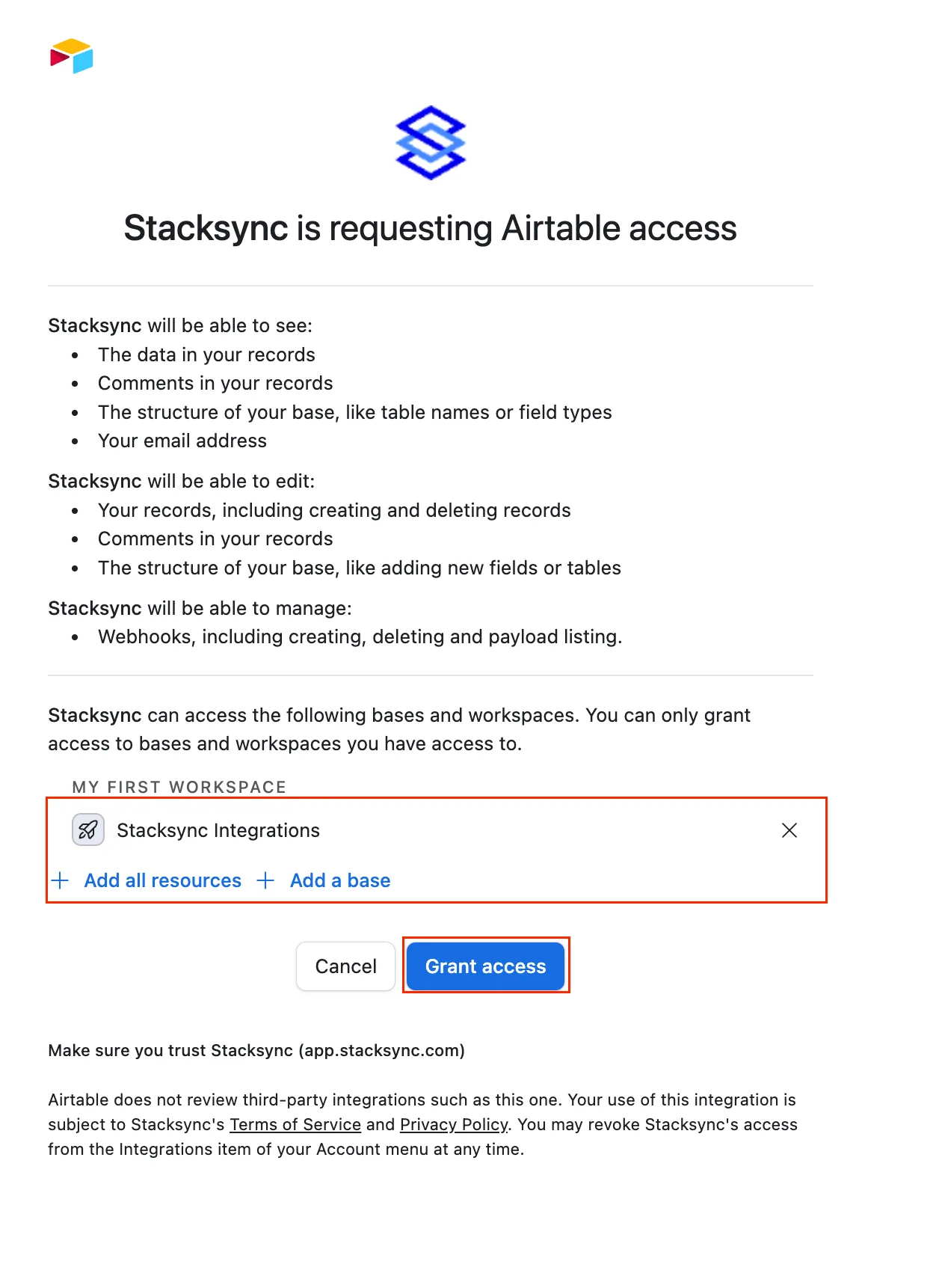
Authorize Airtable
Authenticate your Airtable account and sync data with Stacksync
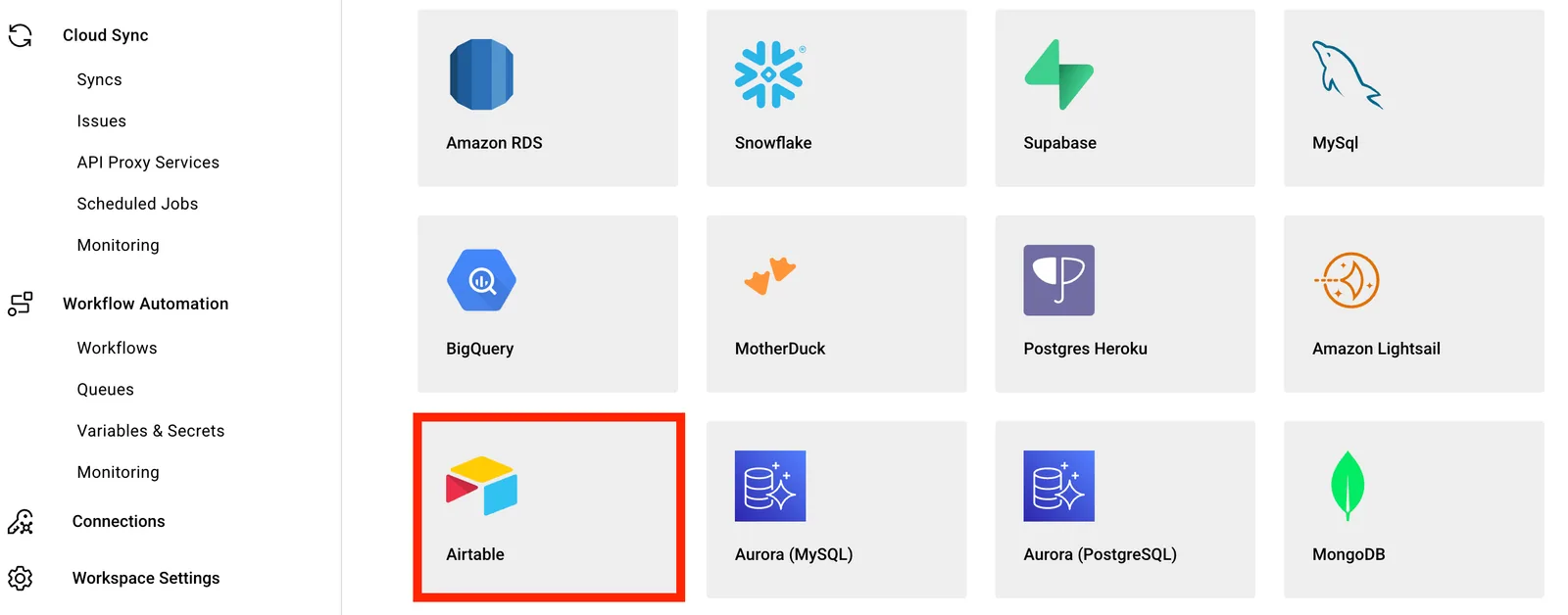
- Log into Stacksync and click on Connections > Create new connection, search for Airtable and select it.
- It’ll take you to the Airtable OAuth page, where you can choose to give access either to specific bases or to all resources in your account, then just hit Grant access
Make sure you have a****** creator** role, only users with creator** ****roles can create webhooks.