Make Custom Fields Visible
When a custom field is created, it’s not visible by default to all profiles in the Salesforce organization. Users with different roles won’t be able to see the newly created custom field.
You need to modify the Field-Level Security settings after the custom field is created to allow other Salesforce profiles to see it. Stacksync enables Custom Field Visibility for the following profiles:
- System Administrator
- Standard User
How to enable a custom field for other profiles:
-
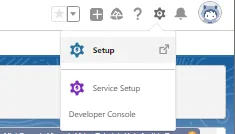
Click on
Setup
-
Go to
Object Manager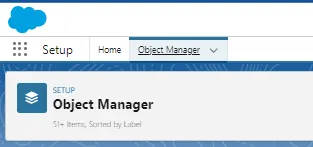
-
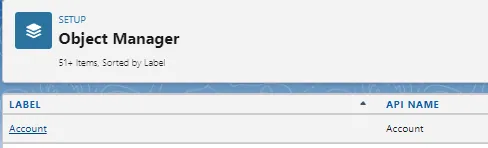
Select the related Object
- Select
Fields & Relationships
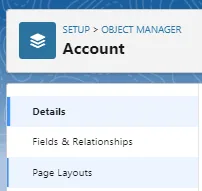
- Select the
Custom Field

- Select Field-Level Security and make it visible to the user groups you want

To make the custom Field visible in a layout:
- Click on
Setup
- Go to
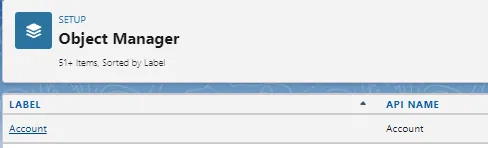
Object Manager
- Select the related Object
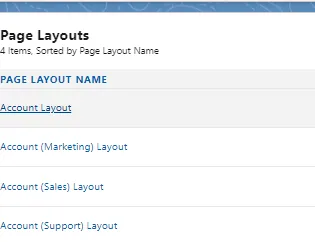
- Go to the Page Layout section
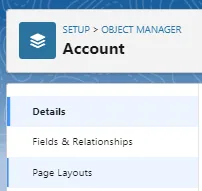
- Select and edit the layout where you want to include the custom field you just created.