

Python Code Execution
Run custom Python scripts directly inside your workflow. Use it for data transformation, complex logic, reshaping payloads, or anything that can't be handled by a standard module.
1. Add the Module
Add the Python Code module to your workflow as an action node.
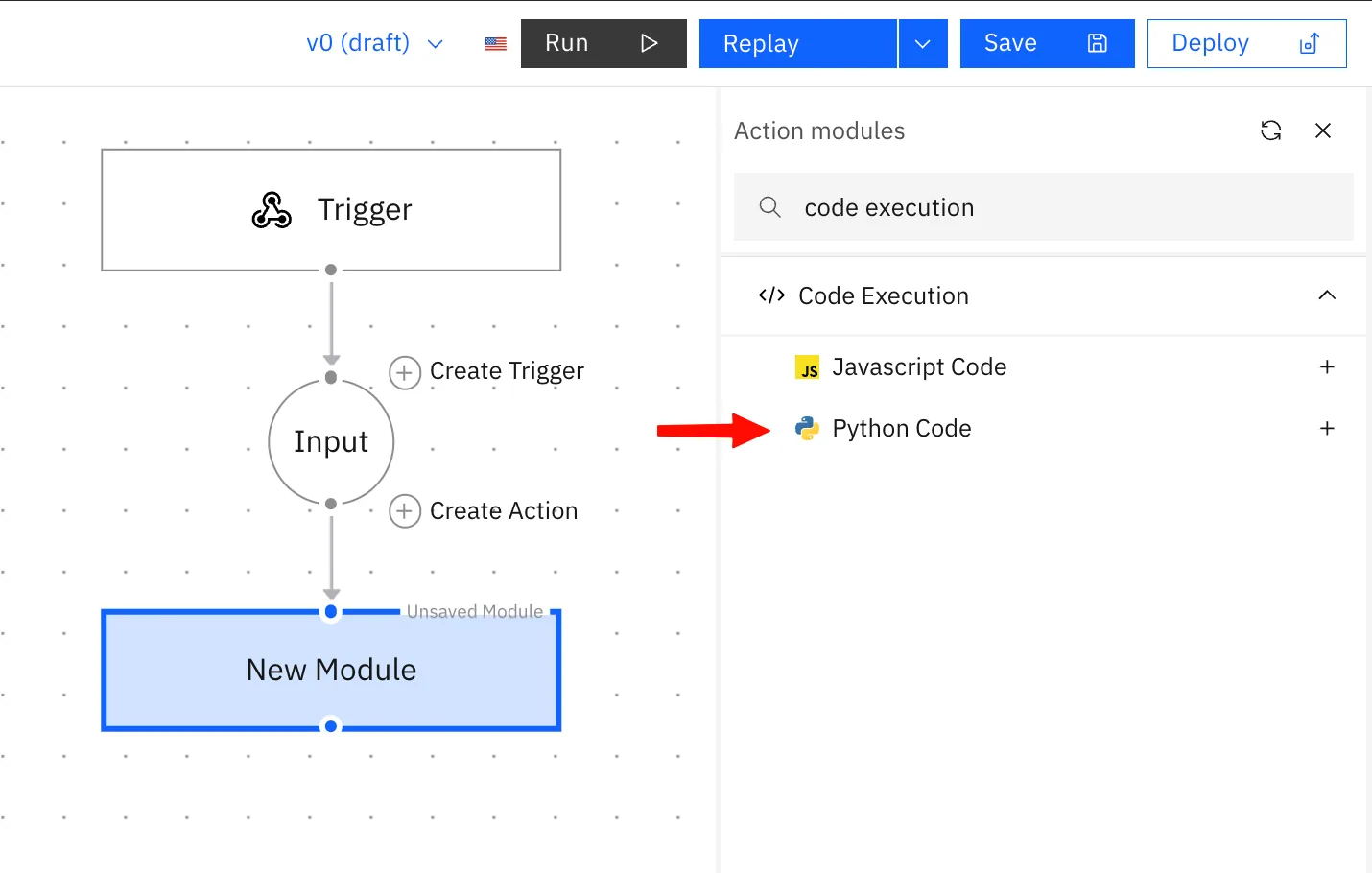
2. Pass Data In Context
In the module configuration panel, add context variables under the Context section. Each entry takes a Name and a Value, use the variable picker to map values from upstream nodes.
Each context entry becomes a key on WORKFLOW_CONTEXT inside your script:
def main(WORKFLOW_CONTEXT):
amount = WORKFLOW_CONTEXT["amount"]![Python Code module with a Context entry "amount" mapped to {{ input.body.amount }} and read in the script as WORKFLOW_CONTEXT["amount"].](/images/agentic-workflows/python-code-module-context-variables.webp)
3. Write Your Script
Your script must define a main function. Stacksync automatically injects WORKFLOW_CONTEXT as the argument containing all your context values.
def main(WORKFLOW_CONTEXT):
    amount = WORKFLOW_CONTEXT["amount"]
    return {
        "amount": amount,
    }
4. Return Data
Whatever main returns becomes the node's output, available to downstream nodes via standard node referencing.
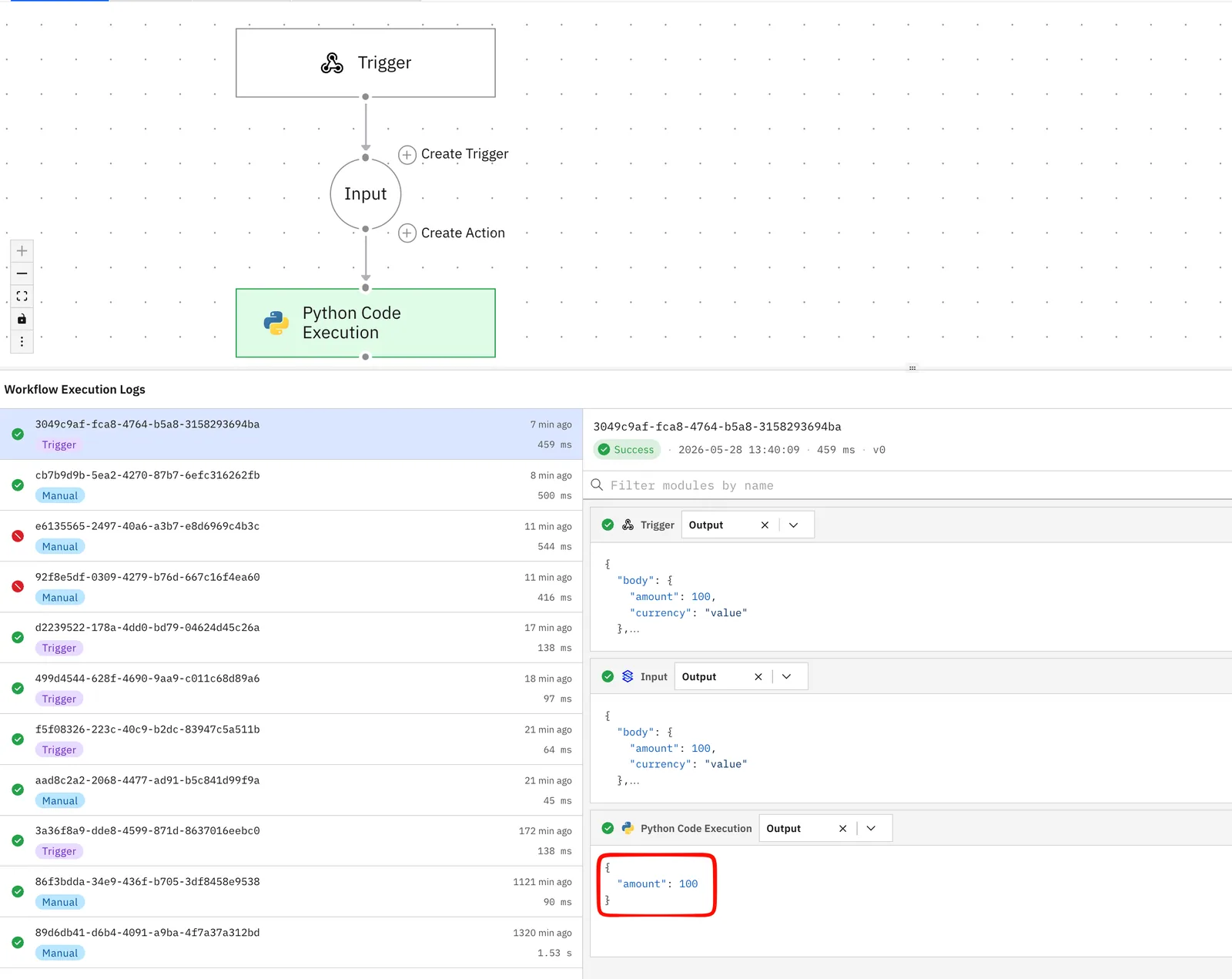
Reference in downstream nodes:
{{ module_id.amount }}Debugging:
print()output is captured and surfaced undermetadata.stdoutin the execution logs. Use it for debugging — it does not pass data downstream.
Available Libraries
| Library | Use case |
|---|---|
pandas | Data manipulation and transformation |
numpy | Numerical operations |
phonenumbers | Phone number parsing and formatting |
json | JSON parsing |
os | OS-level utilities |
| Python 3.10 standard library | All built-in modules |
Limits
| Limit | Value |
|---|---|
| Timeout | 300s (5 min) |
| Memory | 700 MB |
| Filesystem | Read-only, no writes |
| Runtime packages | Pre-installed only |
Watch out: Large pandas DataFrames can hit the 700 MB memory limit. Process data in chunks where possible.